


In today’s time, these two platforms YouTube and Blogging are becoming very popular because on YouTube, we can earn money by creating a channel, uploading a video on any topic, creating our own blog in blogging and publishing articles on any topic in it and when After some time we become very popular, then we can also establish our career in it.
But at the same time it is also absolutely true that to make a career in both YouTube and blogging, we need a good Guidance, only then we can achieve success by working well in both the fields of YouTube and blogging. It is also true that for this we do not need expensive equations and computers, rather we can do this from mobile in the initial time, we just need to know about the way of blogging from mobile.
There are many new bloggers who want to start blogging but due to not having a computer or laptop, they want to do blogging from mobile. Because of this, how do they often do blogging from mobile? And want to get information about how to create a blog from mobile so that they can also get the right guidance and they can also establish their career in blogging.
That is why, paying attention to the questions of new bloggers, we chose to write today’s important article in which we are going to share with you in detail all the information related to how to create a blog from mobile, by reading which you can also do blogging from mobile. You can learn something new by knowing about how to do it. So let’s start learning and knowing.
Why Should One Start Blogging From Mobile?
If we look at today’s time, you will find that we have many such tasks which can be done only through mobile. In such a situation, if you do not have a computer or laptop then you should start blogging from mobile only because blogging can be done on mobile also. In the initial time, you will face difficulty in blogging from mobile, but after some time, blogging from mobile will become an easy task.
There are many benefits of starting blogging from mobile, such as you can go anywhere and do blogging related work on mobile, for this you do not need to prepare a dedicated setup.
Need To Do Blogging From Mobile?
Let us tell you that in today’s time, if you want to do blogging from mobile, then you do not need anything for this, you just need to have a high level internet and a smartphone on which blogging work can be done. Both of these are available, then you can create a free blog on Blogger.com.
At the same time, if you are very interested in blogging and are looking at it from Longterm perspective, then you should start on WordPress, for this you will need these two things: Domain and Hosting.
How To Create A Blog From Mobile?
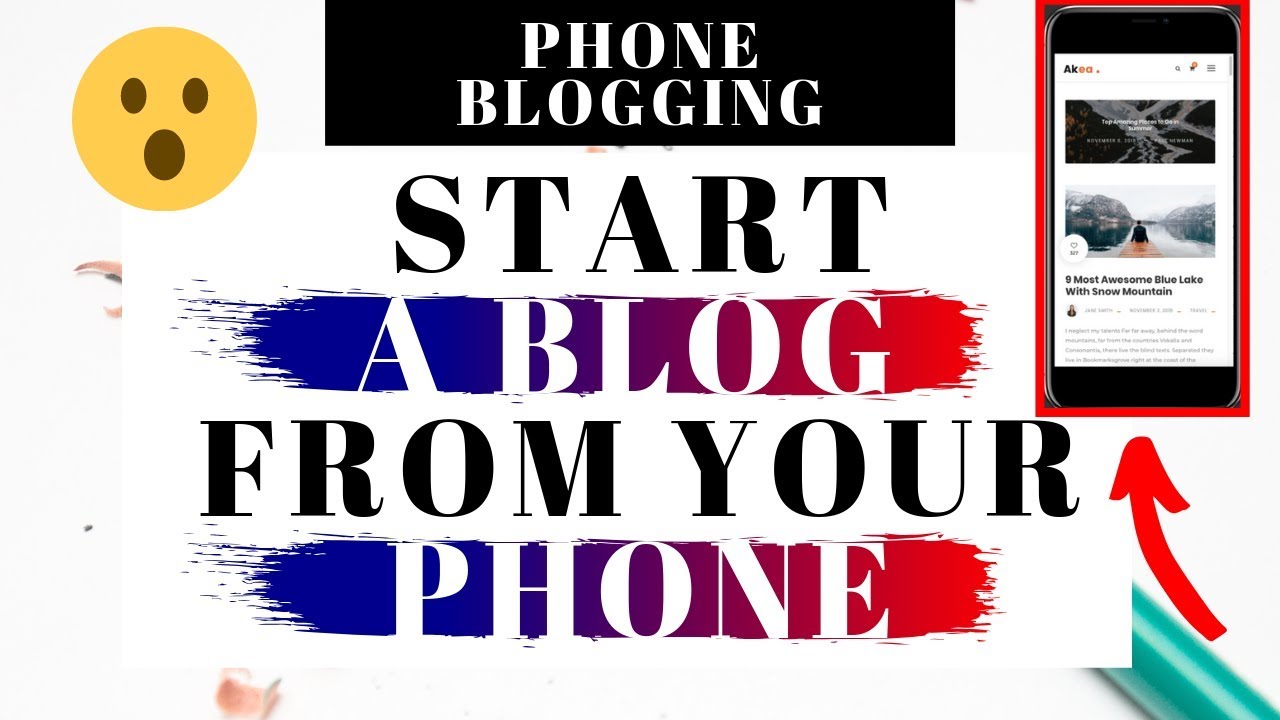
To do blogging from mobile, first of all we have to learn to create a new blog from mobile, let us tell you that at present we can create a blog from mobile with the help of two methods, first is Blogger.com and second is WordPress, both are a CMS. With the help of which we can create a blog Apart from this, other CMS are also available in the market but at present it is not possible to create a blog from mobile.
Let us tell you that in both Blogger and WordPress, you can create a blog from mobile only, but in Blogger you can create a blog for free, whereas if we talk about WordPress, then Domain and Hosting are required to create a blog. But of these two, WordPress is better.
Because even though WordPress costs money, the blogs created in WordPress appear like a professional blog website, they also rank quickly, they can customize their blog as per their convenience and in WordPress it is easy to create and blog from mobile. That’s why if you want to get into blogging then I suggest you to create a WordPress blog from mobile.
Follow The Steps Below To Create A WordPress Blog Using Mobile
Step 1. Bought domain names and hosting.
To create a blog on WordPress, we first need to buy a domain name and a hosting in which the domain name is the name of our website and our blog is hosted in the hosting, so first of all we have to buy a domain name and hosting.
If you do not know how to buy domain name then click on “how to buy domain name ” and if you do not know how to buy hosting then click on “how to buy hosting ”.
Note: Use Chrome Browser to follow all the steps mentioned below and activate Desctop site when using Chrome Browser.
Step 2. Connect domain name to hosting.
When you successfully purchase a domain name and a hosting, then to prepare your blog website, you will have to connect both the domain and the hosting to each other, only then the website will be ready.
Let us tell you that if you have purchased hosting and domain in the manner mentioned above, then you do not need to connect domain and hosting with each other because above we have told about purchasing domain and hosting on Hostinger and when we are purchasing domain and hosting from Hostinger, they become connected to each other automatically.
Note: If you want to manage the website properly by creating it from mobile, then I will recommend you only Hostinger to buy domain name and hosting because with this we will not need to connect the domain and hosting and Hostinger’s Cpanel’s Dashboard. The user interface is quite easy due to which we can manage it through mobile also Is.
Step 3. Install WordPress.
After connecting the domain and hosting to each other, we will have to go to the Cpanel of our website and install WordPress because designing the blog, indexing the blog in Google, writing and publishing blog posts, creating important pages and managing the website completely. We will be able to do all these things only through WordPress.
To install WordPress, first of all you have to go to the Cpanel of your blog website, for this search on Google by writing Cpanel with the name of your hosting provider, like my hosting provider is hosting, then I will search by writing Hostinger Cpanel. After searching, click on the official link of your hosting provider.
Then login, after which you will reach the Cpanel of your blog website, where you will start seeing your hosting and hosted website on it, below which you will get the option of Manage Website, click on it
After that a page will open in which enter Admistrator Password, enter Admistrator Email, enter Website Title and enter all the given information in detail and then finally click on Install, after which WordPress will be installed successfully in no time. Will be installed.
Step 4. Install SSL.
At present, to rank a blog, it is very important to have SSL certificate in the blog. After installing WordPress in the blog, it is very important for us to activate SSL in our blog website. For this, we have to go to the Cpanel of our blog website, after that you will get an option of SSL by clicking on it to activate SSL. Let us tell you that this will work only if you have purchased SSL Certificate.
If you have not purchased SSL Certify then you can also get LifeTime Free SSL using Cloudfire. For this, just add your blog website by creating an account in Cloudfire and make SSL active.
Step 5. Make important pages.
The website is not completely ready until we create important pages of the website because when important pages like Privacy Policy, Abbott us, Contact us are not created on the website, our blog website is not trustworthy in the eyes of Google and without it It is impossible to find Google AdSense’s profile.
That’s why when WordPress is installed on the website, make important pages like Privacy Policy, Abbott us these days. It is difficult to create Privacy Policy’s page out of these three pages, so you can create Privacy Policy for your blog website in a few minutes with the help of the online Privacy Policy generator.
Step 6. Install Theme.
To make the blog great and to increase the user experience of the blog, we need to activate a good Theme by installing it in our blog, then our blog website looks like a professional blog.
So to install Theme on your WordPress website, first go to your WordPress Dashboard
After that click on the Tab with Apearance and click on the Themes option, after which all Themes installed on your website will appear.
To add a new Theme, click on the Add New option above
Now you will come across different types of Themes, out of which install your favorite Theme, you can also search if you want. After installing, activate that Theme. This is how you can put Theme on your blog.
Note: You can use GeneratePress’s free Theme in the initial period because it is light Weight, good looking and Google AdSense’s appraisal is also available quickly in this Theme.
Step 7. Add website to Google Search Console.
If you are creating a blog from mobile then this is one of the most important steps because after creating a blog, to bring traffic to the blog and to earn money from the blog, we will have to add our blog to Google Search Console, only after which Our blog website will appear in Google’s search results.
So to add our website to Google, we will have to submit our blog website to Google Search Console. For this, you can go to the Plugin section and install Site Kit by Google Plugin and setup it. Apart from this, you will also have to submit the Sitemap of your blog website to Google Search Console. Will have to do. Only after which your blog and blog post will appear in Google search results.
How To Do Blogging From Mobile?
Now how did we create blogs on mobile? You have come to know this, after reading which you might have created your own blog, but now the question is how to do blogging on mobile? So let us tell you that first of all select a Niche for this, we can also call it category, the posts related to which you publish on your blog.
Keep in mind that you should have some interest in the Niche you are selecting, otherwise you will get bored after writing a few posts, so select Niche according to your interest. After that you have to select a language in which you are going to write the blog post.
After selecting both of these, you should find such topics on your mobile on which you can post a blog and do not forget to do keyword research on that topic. After that, keep writing blog posts slowly by being dedicated, you are not going to face any kind of problem because we can use WordPress very well on mobile also.
If you want more convenience, you can also install WordPress’s mobile application on your phone and manage your blog with it. Install Jetpack Plugin to track your blog’s traffic from your mobile. In this way you can start blogging from mobile.
Conclusion
If your interest in blogging is very high and you do not have a computer or laptop, then you can start blogging from mobile and after some time when money starts coming from your blog, then you can buy a computer or laptop because Blogging work can be done in computer or laptop with some speed.
Hope you all have learned a lot from today’s article and through this article how to create a blog from mobile and how to do blogging from mobile? You must have gained a lot of in-depth information on this subject. In the end, it is a request to all of you that how did you like this article, please write in the comment below and also share this article on Facebook, Twitter etc.
Read Also:
- How To Learn Blogging And Earn Money
- What Is SEO And Why To Learn
- What Is SEO, Search Engines Understand The Types And Advantages Of Optimization
- Keyword Research For Uploading Videos To Youtube
- What Is Semrush? How To Do Keyword Research With It? Semrush SEO Tool
- What Is Keyword Density? Every Blogger Should Know
- 30 Bad Effects Of Blogging Work On Health
- Blogging: Is Passion A Key Factor
- How To Become A Master At Your Blogging Craft
- How To Start A Blogging Business
- 9 Reasons You Should Participate In A Blogging Challenge
- Why Start Blogging With WordPress
- How To Take Care Of Health In Blogging
- Top 10 Free Blogging Platforms That Every Blogger Should Know About
- Which One To Start Blogging With? Difference Between WordPress VS Blogger